






Outlook/Hotmail email unlock tutorial
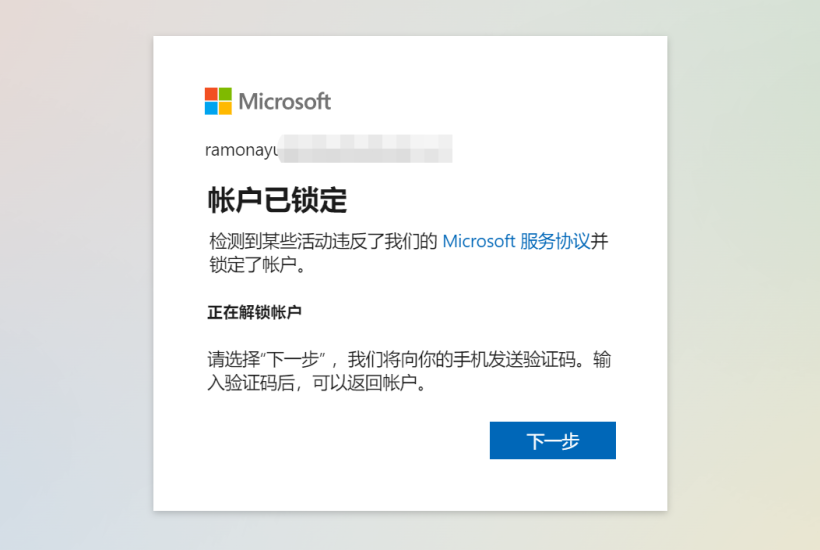
This site uses Microsoft's email divided into two types: Outlook and Hotmail. Login URL: https://outlook.live.com. These two types of email long time not logged in or remote login may temporarily lock, logging in again requires receiving code to unlock, as shown in the following image:

At this time do not panic, the email is OK, completely no problem. Just need to follow its prompt, click next step, enter a phone number that can receive code to unlock, this receiving code phone number will not be bound to the email, purely for verification unlock. As shown in the following image:


This way it has been unlocked, click continue to log in. At this time if the email is not bound to auxiliary email, it will prompt you to bind an auxiliary email within 7 days, if need long-term use, bind an auxiliary email. For temporary use can choose to skip temporarily.

Fill in your own email or skip is fine.
Finally just need to pay attention in the following image's steps click "No, thanks", can log in to email normally.
